- Given any web page, we would like to handle mouse & keyboard interactions using Actions class.
- We will use Selenium WebDriver using Java binding language.
- We would cover the Mouseover, Enter Text in Capital letters, Right Click and DoubleClick functionality below:
- We are instantiating a web driver using:
WebDriver driver = new ChromeDriver()
- We can navigate to any website using:
driver.get("Enter Url here") - We are creating an instance of Actions class and passing driver capabilities to our actions class:
Actions a = new Actions(driver)
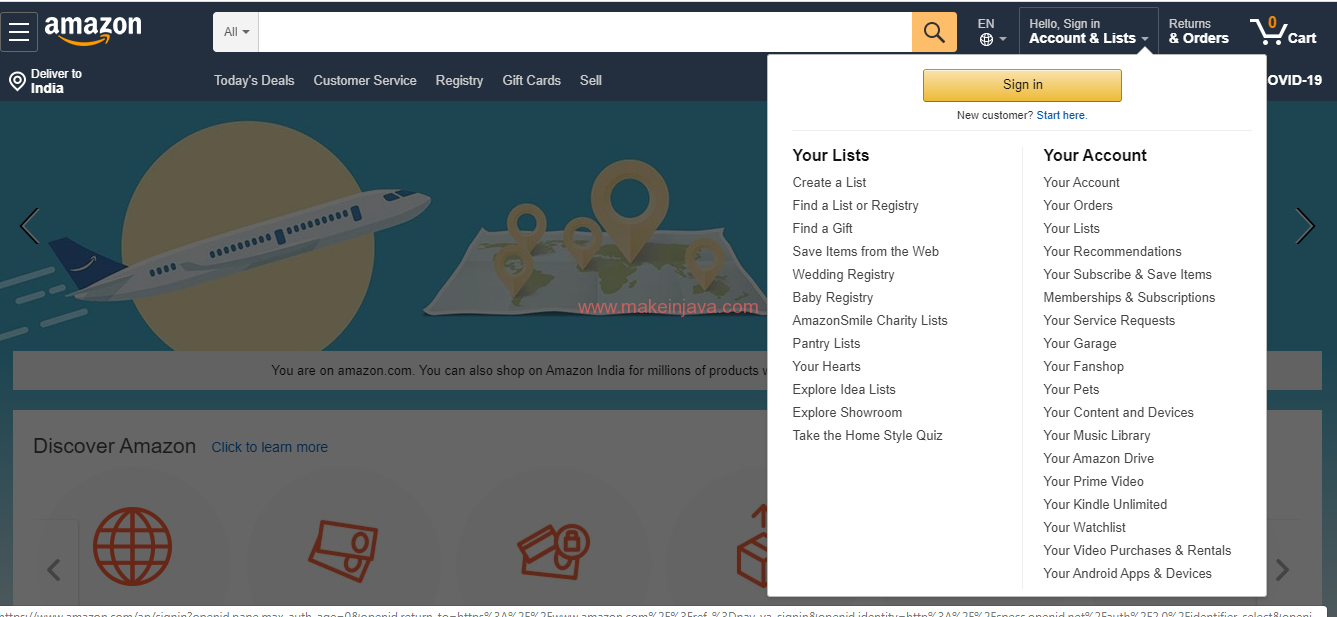
- We are handling Ajax mouse interactions (mouseover a Web Element) using
a.moveToElement(move).build().perform()
- moveToElement() : This method is being used for moving to a specific Web element
- build(): This method means this action is getting ready for execution
- perform(): This method means this action is ready and will execute now
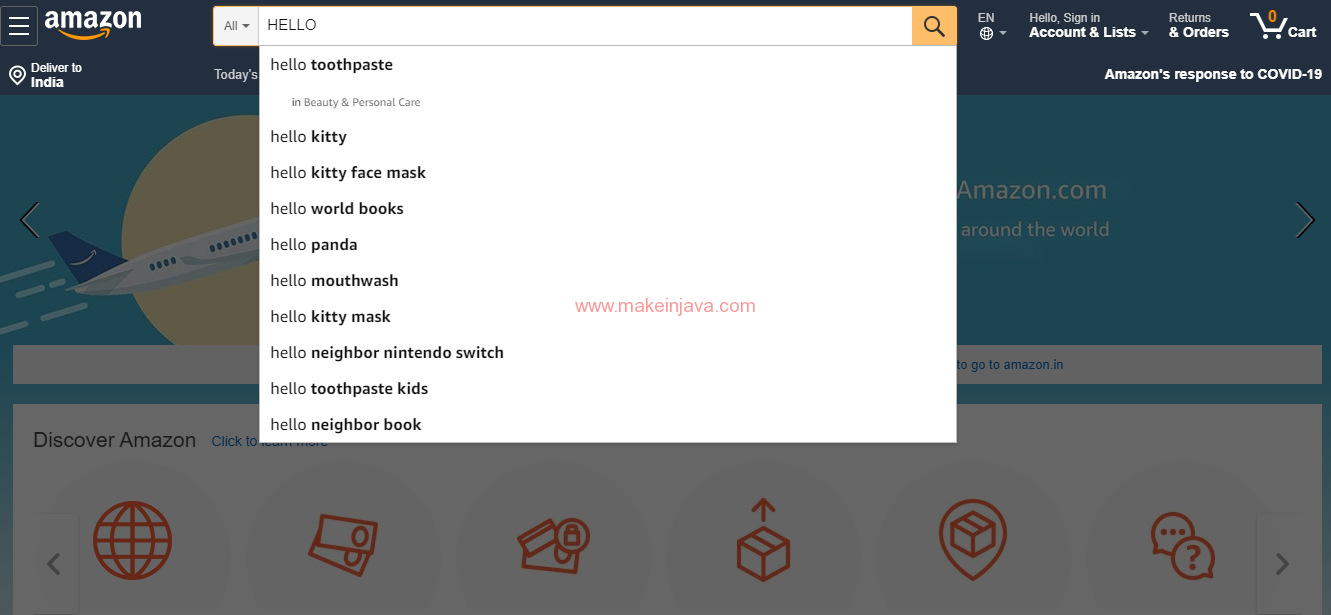
- We can enter text in capital letters using
a.moveToElement(driver.findElement(By.id("twotabsearchtextbox"))).click() .keyDown(Keys.SHIFT).sendKeys("hello").doubleClick().build().perform();-
keyDown(Keys.SHIFT):
We can interact with Web Page via keyboard using KeysDown().
-
doubleClick():
This method is used to select a entered text using double click in this case.
-
- We are instantiating a web driver using:
Code: Handle mouse & keyboard events – Selenium Actions class:
package org.learn;

import org.openqa.selenium.By;
import org.openqa.selenium.Keys;
import org.openqa.selenium.WebDriver;
import org.openqa.selenium.WebElement;
import org.openqa.selenium.chrome.ChromeDriver;
import org.openqa.selenium.interactions.Actions;

public class MouseKeyboardEvents {

    public static void main(String[] args) throws InterruptedException {
        System.setProperty("webdriver.chrome.driver", "C:\\work\\chromedriver.exe");
        WebDriver driver = new ChromeDriver();
        driver.get("https://www.amazon.com/");

        // Passing the driver capabilities to Action class
        Actions a = new Actions(driver);

        // Locating a specific web element
        WebElement move = driver.findElement(By.xpath("//a[@id='nav-link-accountList']"));

        // Mouseover an Object using selenium
        a.moveToElement(move).build().perform();

        // Entering "Hello" in Capital letters in Text box
        a.moveToElement(driver.findElement(By.id("twotabsearchtextbox")))
                .click().keyDown(Keys.SHIFT).sendKeys("hello").build().perform();

        // Right clicking an element using Context Click
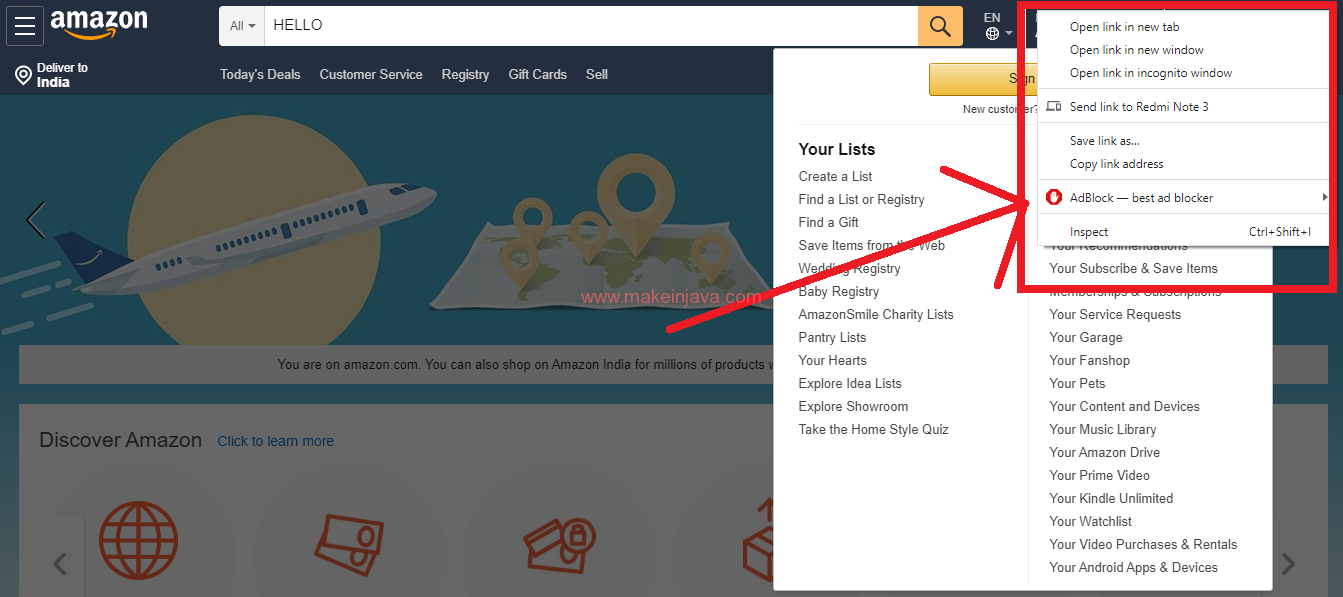
        a.moveToElement(move).contextClick().build().perform();
    }
}
Output 1 – Handle Mouseover event using selenium
Output 2 – Entering “Hello” in Capital letters in Text box
Output 3 – Right clicking Web Element using Context Click